



There are situations where a new webpage needs to be created quickly using existing templates, Page Branches, and components. In these cases, an agent can streamline page creation and provide a direct link to the newly created page in Sitecore Page Builder.
Sitecore Agentic Studio enables developers to build Standard and Workflow agents. Using Agentic Studio, I created a Standard Agent called "XCentium Page Builder" that accepts instructions through a chat prompt, creates a Sitecore page, and returns a Page Builder link to the new page.
The agent is configured with access to various tools and Model Context Protocol (MCP) integrations, as shown below.
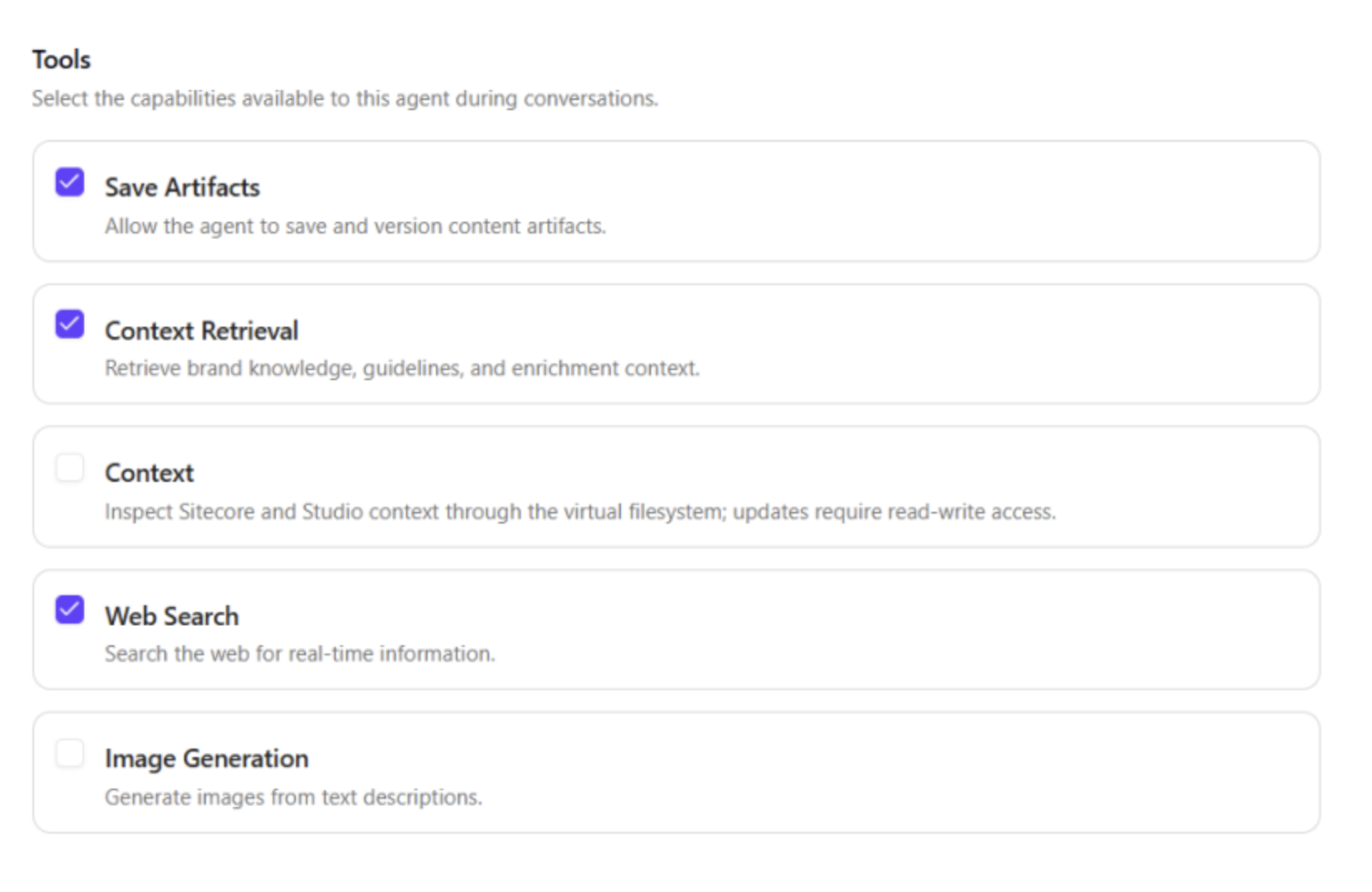
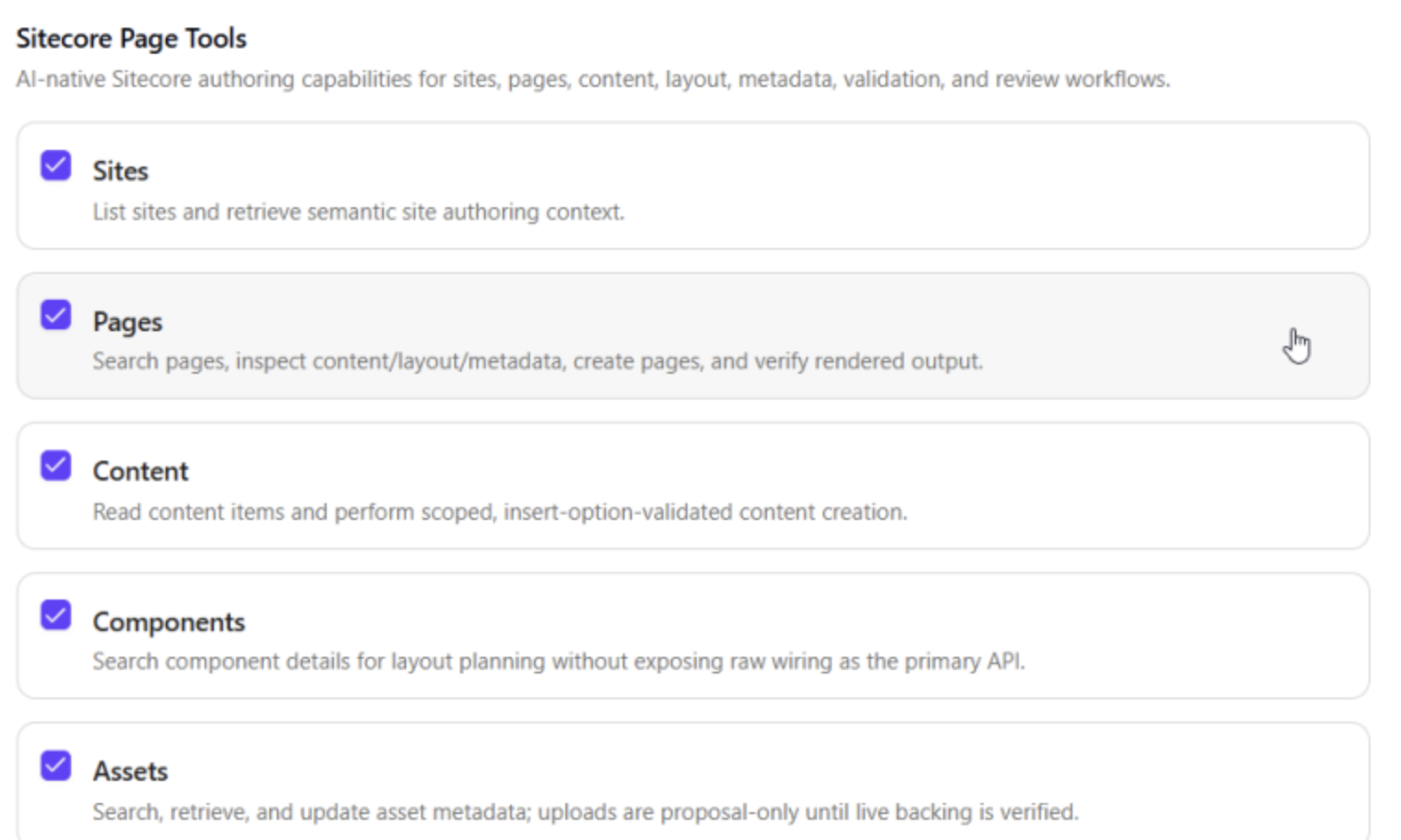
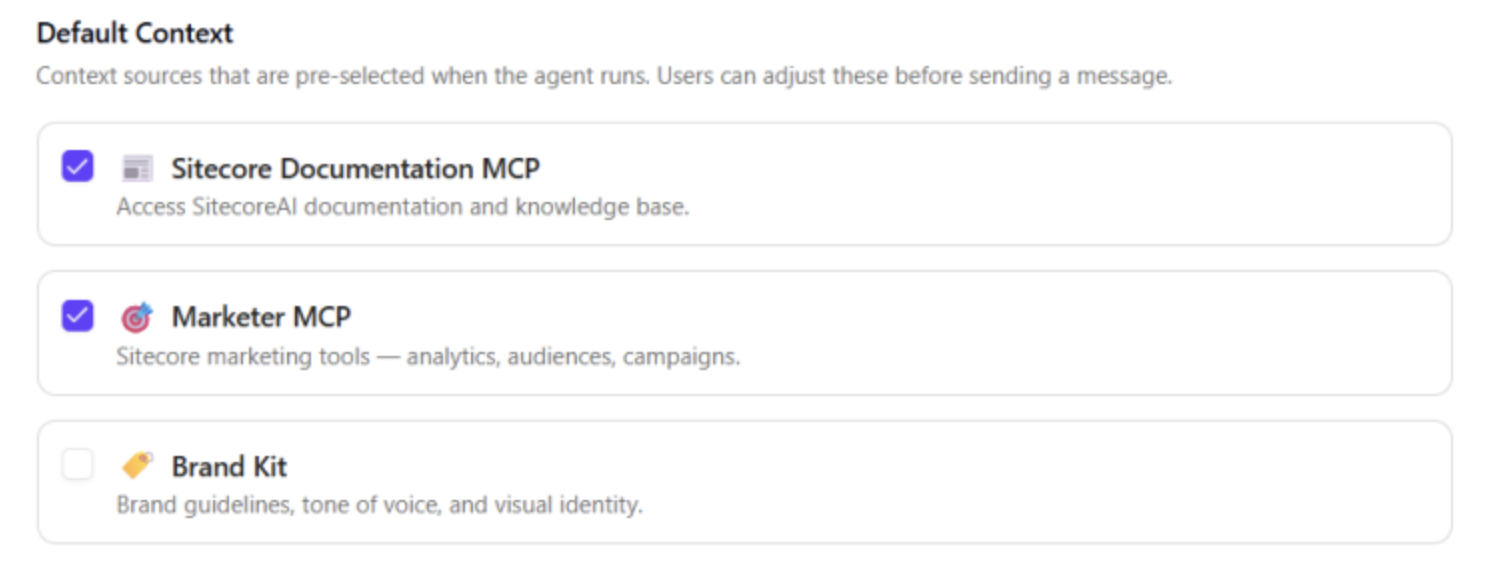
Creating Pages with XCentium Page Builder
As part of the page creation process, the agent asks for the information needed to create the page, including:
- The site where the page should be created.
- The location of the new page within the site.
- The page template or Page Branch to use.
- Any additional components to include on the page.
Once these details are provided, the agent can create the page and return a link to open it in Sitecore Page Builder.
For example, a prompt can be as simple as:
Example Prompt: "I want to create a blog post page: how [Organization Name] gains expertise from Sitecore projects, referencing [Organization website]. Please research and write the content yourself."
Demo: Creating a Page Using a Page Branch
The following video demonstrates how the XCentium Page Builder agent creates a new page by selecting an existing Page Branch.